
Orangedox Virtual Data Room
Orangedox overview
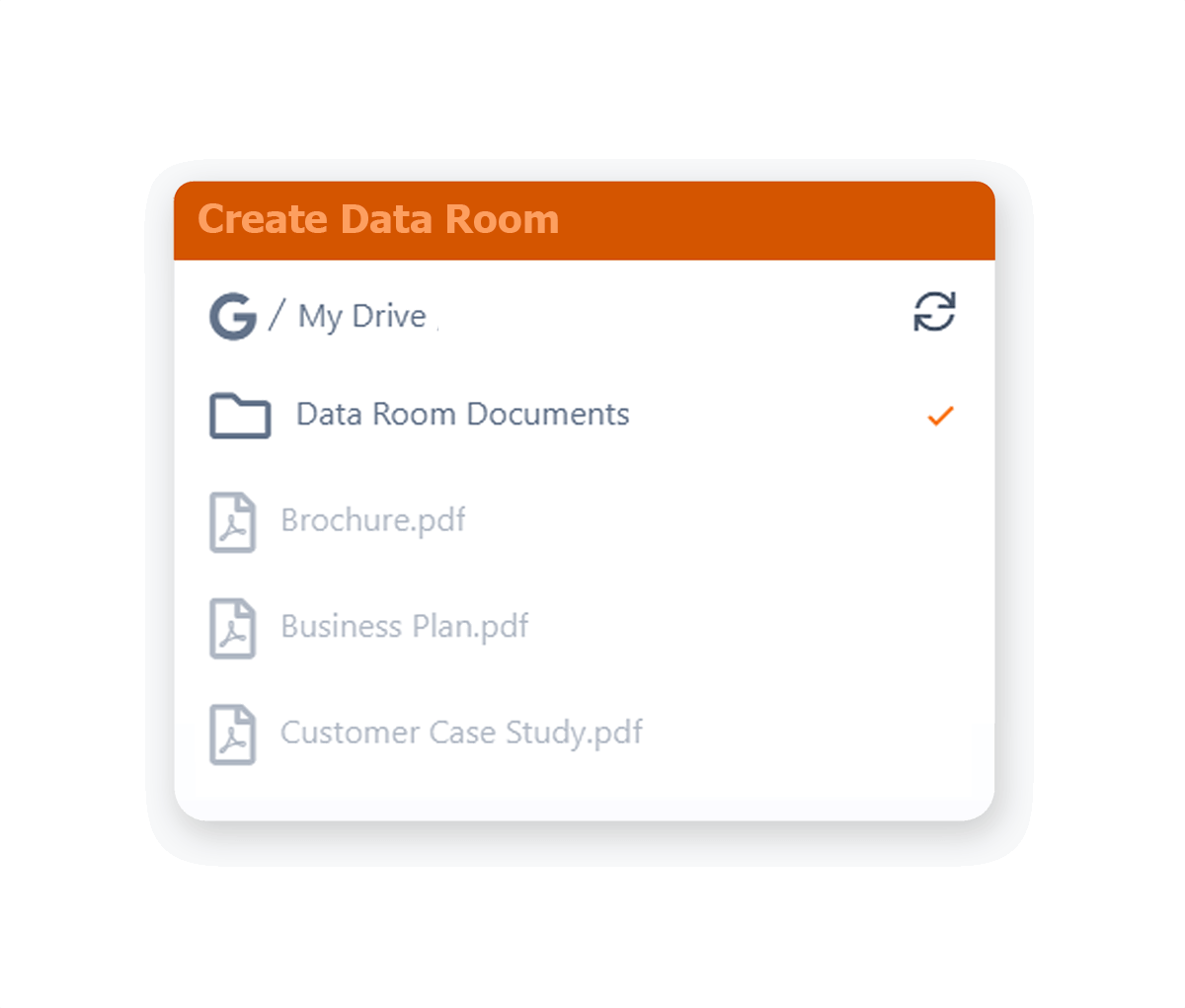
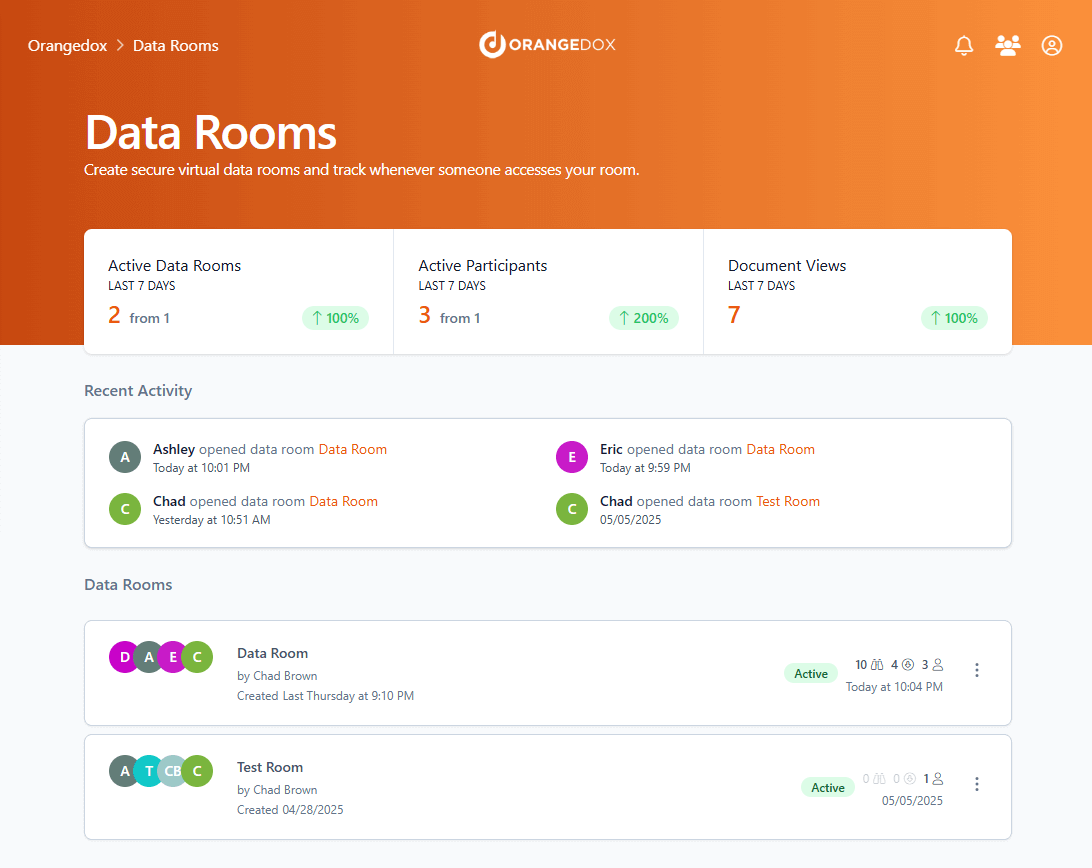
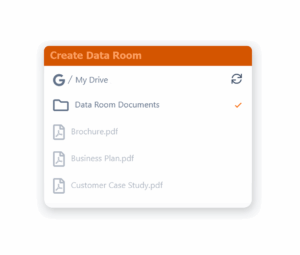
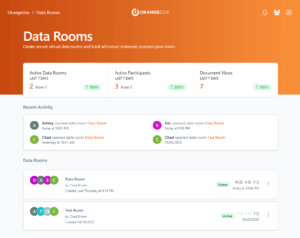
Orangedox is a cloud-based virtual data room and document-tracking platform founded in 2014 in Vancouver, Canada, by Chad Brown (current Founder/CEO). Its defining architectural choice is that it does not host documents itself: it connects directly to a customer’s existing Google Drive or Dropbox account and turns an existing folder into a synced, trackable, access-controlled data room, with no separate upload step and no Orangedox-side storage limit beyond whatever the underlying Google or Dropbox plan already allows.
Core use cases are fundraising data rooms, investor updates, and general secure document sharing where a company wants to track who opened a file and for how long without moving its files out of Google Drive or Dropbox. Because rooms are folder-synced rather than manually built, any file added to (or removed from) the linked Google Drive or Dropbox folder is reflected in the data room automatically.
Because Orangedox syncs to Google Drive/Dropbox rather than hosting files independently, it inherits some structural limitations worth flagging up front: it cannot retroactively track files that were already shared directly from Google Drive before being connected to Orangedox, recipients cannot edit shared files, and one Capterra reviewer specifically noted the lack of an API/Zapier integration for connecting Orangedox to other tools.
- 1 admin
- 5 data rooms
- Unlimited documents/folders per room
- 500 participants per room
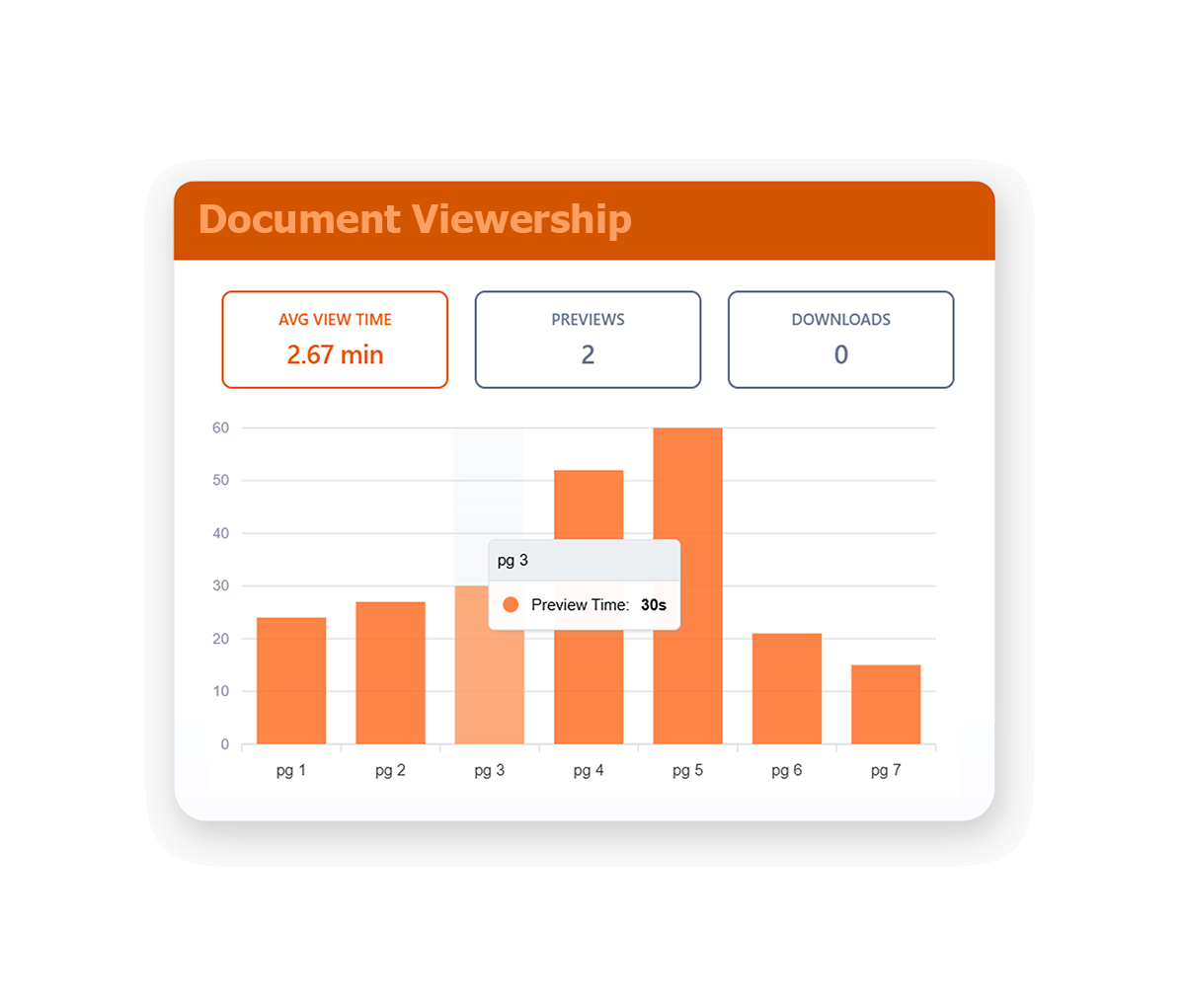
- Page-by-page, time-on-page analytics
- Disable downloading, device limits, expiration dates
- 2-year analytics retention
- SSO via Google & Dropbox
Includes: Everything in Starter, plus:
- 2 admins
- Unlimited data rooms
- NDA gating and signing
- Custom branding (logo, colors, layout)
- Bulk downloading
- Access requests
- Onboarding support
Includes: Everything in Business, plus:
- 5+ admins (scalable to 10/15/20/25)
- Dynamic watermarking
- Team management
- Dedicated support rep
Orangedox publishes pricing directly on its site. Prices below are per month, billed yearly (per-admin unless noted); recipients who only view or download files are always free and unlimited.
Advantages
- Native, automatic Google Drive/Dropbox sync — most praised feature, no re-uploading files
- Priced meaningfully below DocSend
- Customer service repeatedly called "fantastic" and "responsive"
- Straightforward setup for non-technical founders, easy per-client data rooms
- Simple, transparent download/view tracking
Things to Consider
- Visual polish and branding flexibility criticized; per-client branding wanted but unavailable at their tier
- No API/Zapier integration
- Analytics called "kinda buggy" by one reviewer (2019), unclear if resolved since
- No shared-link-only mode; invite-based access model felt clunky to some
- Upload/UX flow called less intuitive than expected
customer service
Customer service is the most consistently praised aspect of Orangedox across both G2 and Capterra reviews, including a reviewer who has used the product continuously since 2015. Orangedox’s own site claims “best in class customer service 24 hours a day,” though onboarding support and a dedicated support rep are explicitly gated to the Business and Teams plans, so Starter customers get email support only.
security, compliance, and certifications
Orangedox’s security marketing centers on AES-256 encryption, CASA Tier 2 certification with annual independent third-party audits, AWS hosting, and GDPR/CCPA/HIPAA compliance claims. It does not mention SOC 2 anywhere on its site, which is worth noting since SOC 2 is the certification most commonly requested by US enterprise buyers and is a standard claim among competing VDR vendors. Its access-control approach (device-locking instead of shareable passwords) is a genuine differentiator from simpler password-based sharing tools.
What is Orangedox?
How much does Orangedox cost?
Do I need Google Drive or Dropbox to use Orangedox?
Is Orangedox SOC 2 certified?