
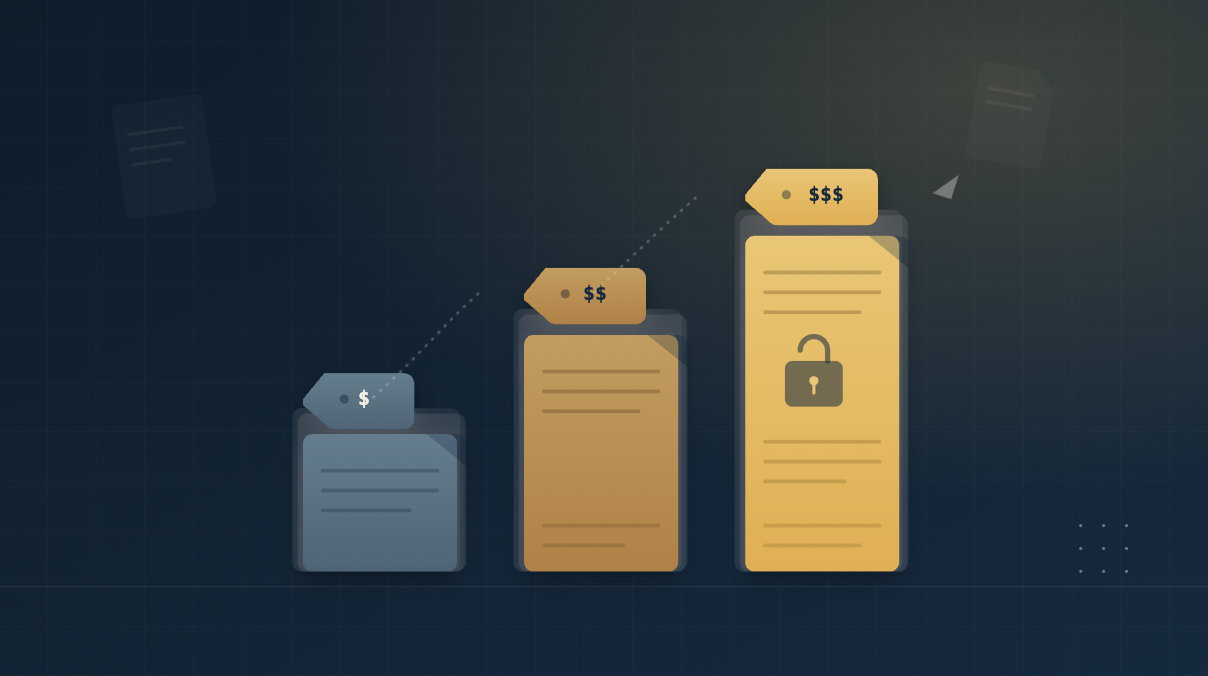
DocSend spans two broad use cases: lightweight document sharing and more structured data room workflows. Because all three DocSend plans include some data room capacity, the key pricing question is how much access control, review management, and transaction functionality a project actually requires.
That distinction affects the total cost as well. User count, data room limits, and preparation time can all change the economics, especially when comparing DocSend’s pricing with purpose-built VDR pricing models.
Dropbox DocSend is a secure document-sharing platform for managing, tracking, and controlling access to business documents. According to DocSend, the platform is trusted by more than 47,000 companies worldwide and is part of Dropbox.
DocSend serves startups, financial services firms, legal and advisory teams, real estate businesses, and sales organizations. Its tools support fundraising, M&A, investment management, and other workflows where teams need to share sensitive materials and track recipient activity.
DocSend currently offers three paid plans: Standard, Advanced, and Advanced Data Rooms. All three include data room storage, but the pricing model changes by tier.
Standard is priced at $43 per user per month, while Advanced and Advanced Data Rooms use flat monthly fees of $250 and $300, respectively, with three users included. Yearly billing is also available and can save up to 40%.
DocSend previously offered a Personal plan. An archived snapshot of DocSend’s pricing page from August 17, 2026 (Web Archive.org) listed the DocSend Personal plan at $15 per month on a monthly billing plan. The current pricing page no longer includes that tier, leaving Standard, Advanced, and Advanced Data Rooms as DocSend’s three paid plans.
The DocSend Standard plan combines DocSend’s document-sharing features with entry-level data room capacity. Annual billing provides a 30% discount, reducing the effective monthly cost to $30 per user.
Its listed capabilities include:
The DocSend Advanced plan includes all Standard features and expands both data room capacity and access controls, while yearly billing provides a 40% discount, reducing the effective monthly cost to $150.
The additional or expanded capabilities include:
Advanced Data Rooms incorporates all Advanced features and adds DocSend’s most extensive data room controls, while yearly billing provides a 40% discount, reducing the effective monthly cost to $180.
The tier adds or expands the following capabilities:
The right DocSend plan depends on how much control the review process requires. Standard can cover straightforward sharing, Advanced adds more granular access controls, and Advanced Data Rooms is designed for more structured review workflows.
Standard is usually sufficient when the main requirement is controlled sharing of the same documents with external parties, such as during investor updates.
Typical use cases of DocSend for investor updates include:
Capterra reviews highlight DocSend’s value for tracking how external recipients engage with shared documents. In these cases, most recipients typically receive the same materials, so granular access rules add limited value.
Standard already supports data rooms, so teams do not need to move to a higher tier just to organize multiple files in a single, controlled environment. Paying for more advanced controls may be difficult to justify unless the workflow becomes more sensitive or fragmented.
Startups moving beyond pitch-deck sharing may need a virtual data room for startups that supports investor due diligence, granular permissions, and fundraising document management.
DocSend Advanced Data Rooms pricing becomes more relevant when different documents require different levels of access or additional visitor controls.
Typical use cases include:
Advanced supports this type of selective review through stronger authentication and document-level controls. It fills the gap between straightforward external sharing and a fully structured diligence process.
Advanced Data Rooms is the DocSend tier best suited for structured due diligence and larger fundraising reviews. These workflows often involve several external groups, varying permission levels, and a greater need to track activity within the data room.
Typical use cases of DocSend for fundraising include:
For complex M&A deals and institutional fundraising, however, purpose-built VDRs typically provide more granular access controls, stronger document protection, and dedicated workflow features. VDR tools for VC investors are also used to manage portfolio documents and review potential investments during due diligence.
All three DocSend plans share the same core document-sharing foundation, while Advanced and Advanced Data Rooms add increasing levels of control over data room access, monitoring, and administration.
| Feature category | Standard | Advanced | Advanced Data Rooms |
| Core document sharing | |||
| Shared link access controls | ✓ | ✓ | ✓ |
| Revoke document access | ✓ | ✓ | ✓ |
| Full-text search | ✓ | ✓ | ✓ |
| Multi-file sharing | ✓ | ✓ | ✓ |
| Branded document viewer | ✓ | ✓ | ✓ |
| Engagement analytics | |||
| Standard | Advanced | Advanced Data Rooms | |
| Real-time engagement notifications | ✓ | ✓ | ✓ |
| Visit dashboards and exports | ✓ | ✓ | ✓ |
| Video engagement analytics | ✓ | ✓ | ✓ |
| Campaign links | — | ✓ | ✓ |
| eSignature and file requests | |||
| Standard | Advanced | Advanced Data Rooms | |
| Audit trails for e-signatures | ✓ | ✓ | ✓ |
| Unlimited signature requests | ✓ | ✓ | ✓ |
| File requests from visitors | ✓ | ✓ | ✓ |
| Data room functionality | |||
| Standard | Advanced | Advanced Data Rooms | |
| Unlimited data rooms | ✓ | ✓ | ✓ |
| Unlimited visitors | ✓ | ✓ | ✓ |
| Data room storage | 200 assets | 2,000 assets | 4,000 assets |
| Data room folders | — | ✓ | ✓ |
| Granular permissions | — | ✓ | ✓ |
| Personalized viewing links | — | ✓ | ✓ |
| Group visitor permissions | — | — | ✓ |
| Due diligence tracking | — | — | ✓ |
| Data room audit logs | — | — | ✓ |
| Data room analytics and insights | — | — | ✓ |
| Automatic file indexing | — | — | ✓ |
| Security and access controls | |||
| Standard | Advanced | Advanced Data Rooms | |
| Restricted visitor access | — | ✓ | ✓ |
| Secure viewer email authentication | — | ✓ | ✓ |
| Dynamic document watermarking | — | ✓ | ✓ |
| NDAs and gating agreements | — | ✓ | ✓ |
| Team administration | |||
| Team management console | ✓ | ✓ | ✓ |
| Tiered administrative roles | ✓ | ✓ | ✓ |
| Admin notifications | — | ✓ | ✓ |
| Sub-teams | — | Add-on | Add-on |
| Integrations | |||
| Standard | Advanced | Advanced Data Rooms | |
| Gmail, Outlook, and Dropbox | ✓ | ✓ | ✓ |
| Salesforce | Add-on | Add-on | Add-on |
| SSO | — | Add-on | Add-on |
| Storage and support | |||
| Standard | Advanced | Advanced Data Rooms | |
| General storage | 50 GB/user | 50 GB/user | 50 GB/user |
| Maximum document upload | 2 GB | 2 GB | 2 GB |
| Live chat, email, and phone support | ✓ | ✓ | ✓ |
DocSend’s listed subscription price may not represent the full cost of a larger data room project. Additional user licenses, the absence of an open-ended staging period, and asset-based data room limits can increase costs or make budgeting less predictable.
Advanced and Advanced Data Rooms include three users, with each additional user costing $90 per month. Because transaction teams can involve legal, finance, advisory, and deal professionals, the subscription cost increases with every internal user added beyond the included seats. The effect becomes more visible as the team expands.
For example, the Advanced plan would cost:
DocSend measures general storage in gigabytes, but data room capacity in “assets”. This can make project sizing less predictable. Teams nearing the asset limit should confirm how uploaded content is counted and what happens when the allowance is reached. Document-heavy diligence may otherwise require a higher tier even if general storage is within the GB limit.
Sell-side teams often begin building a data room well before buyers or investors receive access. That preparation may take several weeks, as documents must be collected, reviewed, organized, and cleared for disclosure before the room goes live.
DocSend offers a 14-day free trial, so sellers whose preparation period exceeds 14 days must start paying before external diligence begins. By contrast, some purpose-built VDRs allow the room to remain in preparation until external users are invited, which aligns billing more closely with the active transaction period.
DocSend can be cost-efficient for small teams, but its price advantage can narrow as the number of users and transaction requirements increase. DocSend alternatives with storage-based or flat-rate VDR pricing can offer better value for projects involving larger teams, longer preparation, or M&A-specific workflows.
While Digify’s base plans are more expensive than DocSend’s, and the price increases between tiers are steeper, the value difference becomes apparent when teams need only a modest increase in users or capacity.
In those cases, Digify can expand selected quotas without forcing the customer to move immediately to the next, substantially more expensive plan.
Here are some of the extensions offered by Digify:
Read more: See how Digify vs. DocSend compare across pricing, security, access controls, analytics, integrations, and support.
Ansarada can provide better pricing efficiency for deal teams because its Premium plans are storage-based rather than user-based. Its published 2026 pricing lists a 1 GB plan at $1,479 per month and includes unlimited internal and external users.
That higher headline price can become more competitive once DocSend’s additional-user charges are considered. Ansarada also allows sellers to prepare a room without charge until it goes live or reaches 90 days, whichever comes first.
The subscription also includes transaction-specific tools. For example, Ansarada’s AI-Predict analyzes bidder activity through its Bidder Engagement Score to help seller-side teams assess buyer engagement.
Ideals can be a better DocSend alternative for M&A deals. Its transparent usage-based (storage-based) pricing across Core / Premier / Enterprise is tied to data room usage.
The commercial structure is straightforward:
Ideals applies purchased storage directly to the VDR, rather than separating general storage from a separate asset-based data room allowance.
The platform is also more closely aligned with M&A execution. It provides eight document permission levels and structured Q&A workflows that automatically forward to designated experts.
DealRoom can provide more predictable pricing for M&A teams running multiple or ongoing transactions. It prices data room services based on deal volume. DealRoom pricing historically ranged from about $1,000 to $1,250 per month, but the provider has since moved to a custom-quote model.
Its current commercial model emphasizes several cost controls:
This structure can be advantageous when a deal involves many internal and external participants. DealRoom is also built around the broader M&A process, combining a VDR with diligence management, pipeline tracking, project coordination, and reporting.
No. DocSend does not currently offer a permanent free plan. It offers a 14-day free trial for its virtual data room product, after which continued use requires a paid subscription.
DocSend includes data room functionality across all three paid plans. Standard costs $43 per user per month; Advanced costs $250 per month; and Advanced Data Rooms costs $300 per month, all billed monthly.
DocSend can be a good fit for fundraising when teams need to share materials with consistent sensitivity and track investor engagement. For institutional fundraising involving multiple reviewer groups or more complex diligence, teams should also consider dedicated VDRs with more robust transaction workflows.
A purpose-built virtual data room is designed for transaction workflows such as M&A and due diligence. Compared with DocSend, these platforms typically offer more granular permissions, stronger audit trails, dedicated Q&A workflows, and controls for managing multiple reviewer groups.